Thanks man - I might try it - have no idea on the wiring in the house either. I’d assume my upstairs office is on a seperate circuit to my downstairs living space - does it need to be on the same? I’d have to start flipping cbs to check
Video may help.
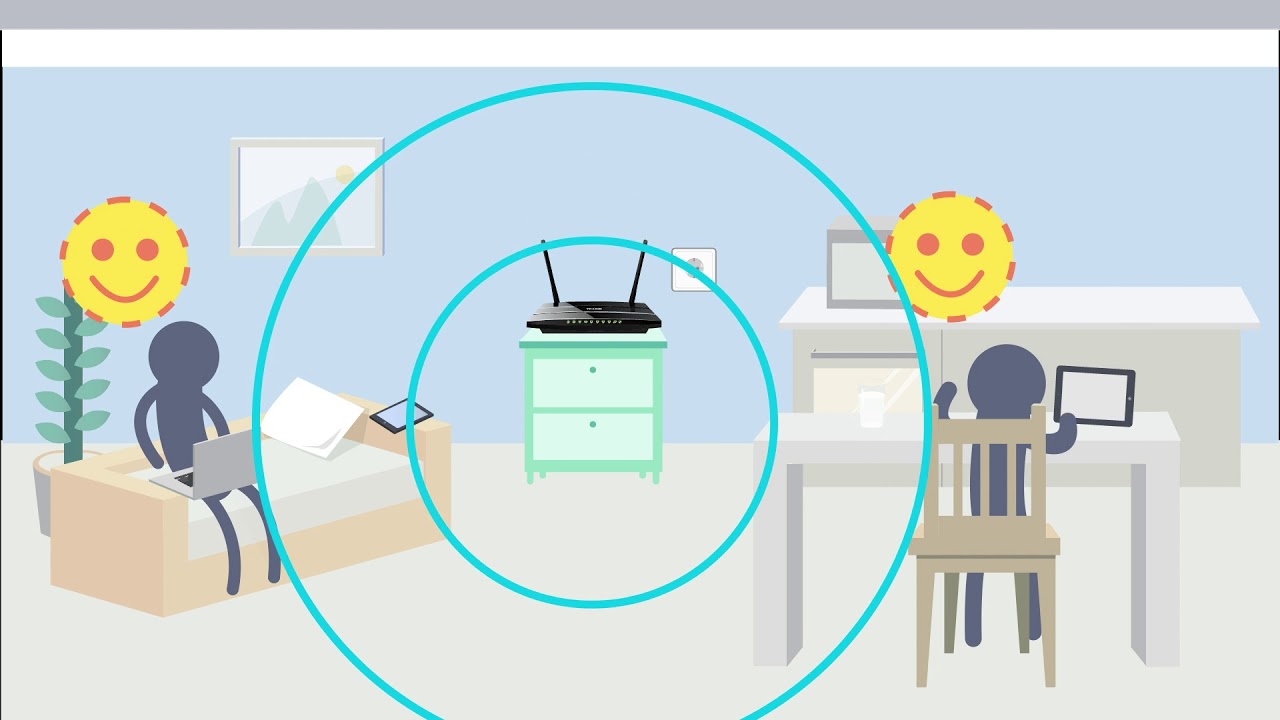
My parents have split upstairs and downstairs on a separate fuse (please disregard my poor electrical terms) and it works fine. Their home is about 20 years old. Works fine.
1 Like
how much do you want to spend?
cos some mesh wifi setups are pretty good but can cost a pretty dollar.
powerline or EOP does depend on the quality of your house wiring. so if its ■■■■ just return it and try other solutions, if it works, dw about and enjoy a pretty easy to setup solution
1 Like
They could have blocked you?
The EOP stuff should be fine on different circuits, as long as they’re on the same phase. They tend to not like running through powerboards though, especially if there are DC transformers plugged into the powerboards, so if you can run them off their own GPO that will be better.
What sort of content is running through your wifi? Large file transfers? I had a network driver update once that enabled a previously disabled setting to encrypt everything being transmitted (in addition to the normal WPA2 encryption.) This extra encryption took CPU cycles, and ultimately manifested itself as a slow network transfer speed, as the network had to wait for the CPU to encrypt everything.
A slow 2.4GHz connection could be due to interference. Coreless phones, microwaves, wireless mice and keyboards, baby monitors, drones etc can all cause interference on the 2.4GHz band.
Do it properly, run some CAT.
If it’s a two storey house, you can probably get away with one point downstairs & one upstairs. Plug router in at one end and an access point at the other (or just go direct into your PC).
Couple hundred in parts, couple of hours for a sparkie (if you don’t feel capable of doing it yourself, it’s really nothing technically difficult, but it is annoying and dirty work).
So I went with the TP link as suggested.
Bulky units and hard to fit with power boards and even a second power cord on the same GPO.
Made it work and the result is better than I thought - they’ve come a long way from what I remember.
9ms ping and full speed - good result.
Thanks Blitz
2 Likes
they used to not be as effective on powerboards, dunno if thats still the case, but food for thought.
If you have a double adapter it frees up the spot next to it.
Power boards don’t seem to affect mine much. It’s more those with line filters that can cause issues.
I have access to all this stuff - Unfortunately I don’t have access to the permissions. I’m in a rental. Makes me kind of snookered when looking at permanent solutions like that.
Ah. Fair enough.
Any MacBook experts around. Bought the young man a new MacBook Air with 128gB HD recently and its now showing that the drive is close to full without him having downloaded or installed anything of great consequence.
When you check out settings, it’s showing most of the memory is used up by “other”. What does that mean and how do you of rectify?
I’ve tried cleaning out the cache and that had no effect, so looking for other solutions.
128gb is basically nothing for computers, 5 apps and its full.
has he got spotify/something similar saved for offline play?
The apps are taking up very little, say 40 GB, the rest is in whatever comes under “other”.
Run something like GrandPerspective to see the usage.
1 Like
When you are viewing “about this mac” and looking at the storage tab that gives you that inf, just hit manage and you will have options on things that do or don’t get stored, such as emails, movies already watched, etc. It’s all pretty simple
1 Like
Sorry, just saw this, other is largely system files; and taking up that much space is irregular. We will need to have a poke around and see what’s causing it, you may have a unloaded update that’s waiting for deployment but won’t install for some reason. Give us a buzz on 1300 321 456 and we’ll get it sorted.
Ps. Won’t cost you anything.
3 Likes